Productivity Tip
For a Mortgage Broker, it's important to know what is happening in terms of a Pre-Approval. A client may have more than one Pre-Approval (multiple lenders) and you may want to know details about the offer from the Lender and when it expires.
|
Load a Pre-Approval
| 1. | Firstly, select the Mortgage you want to work with. |
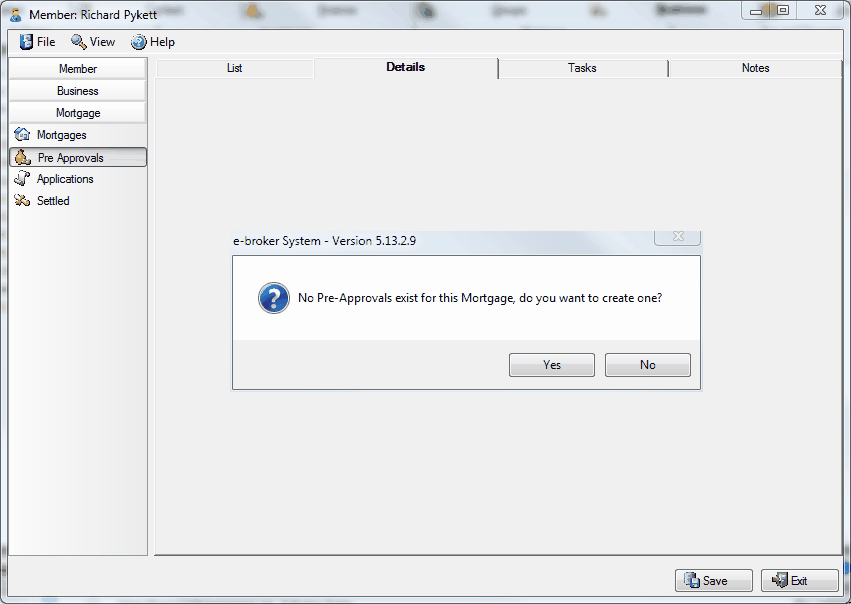
| 2. | If a Pre-Approval does not exist for this Mortgage, the system will ask if you wish to create one. |

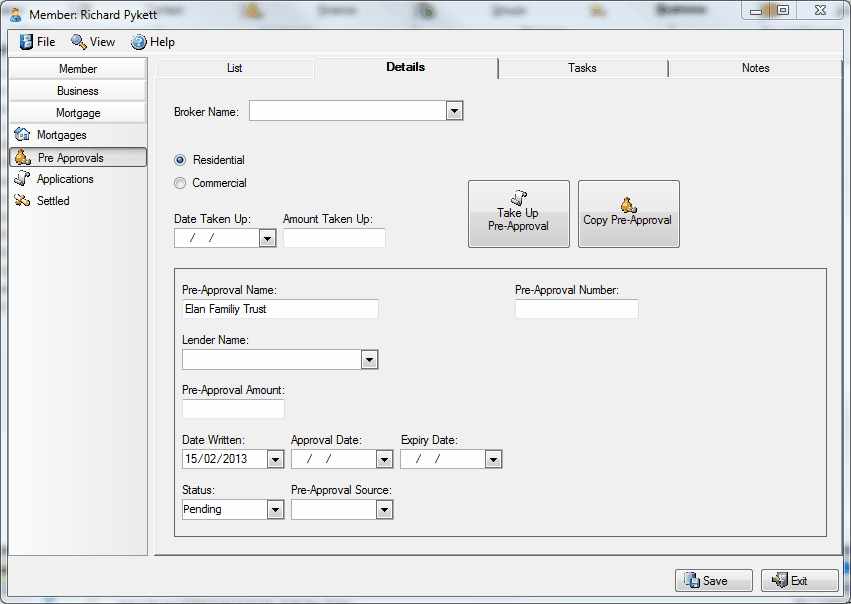
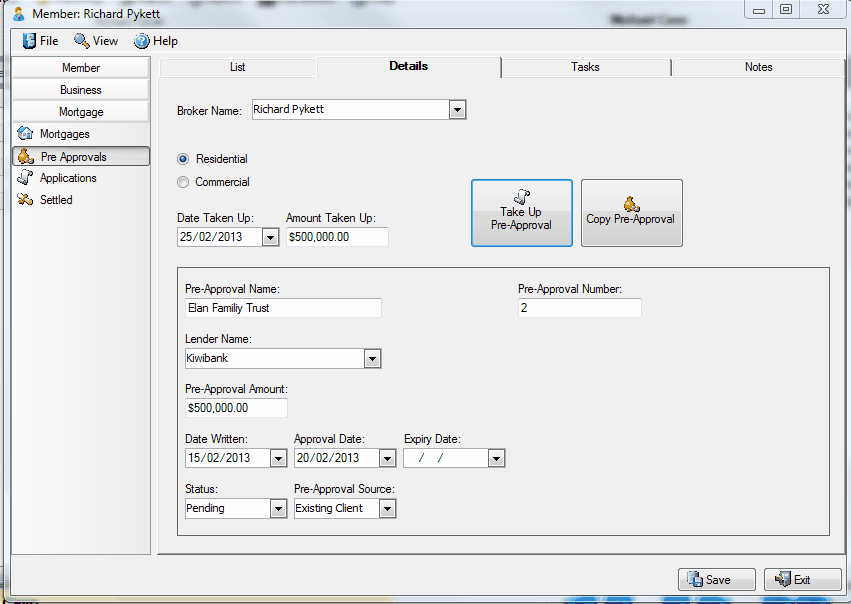
| 3. | Having clicked 'Yes' you will be presented with the following Pre-Approval screen. |

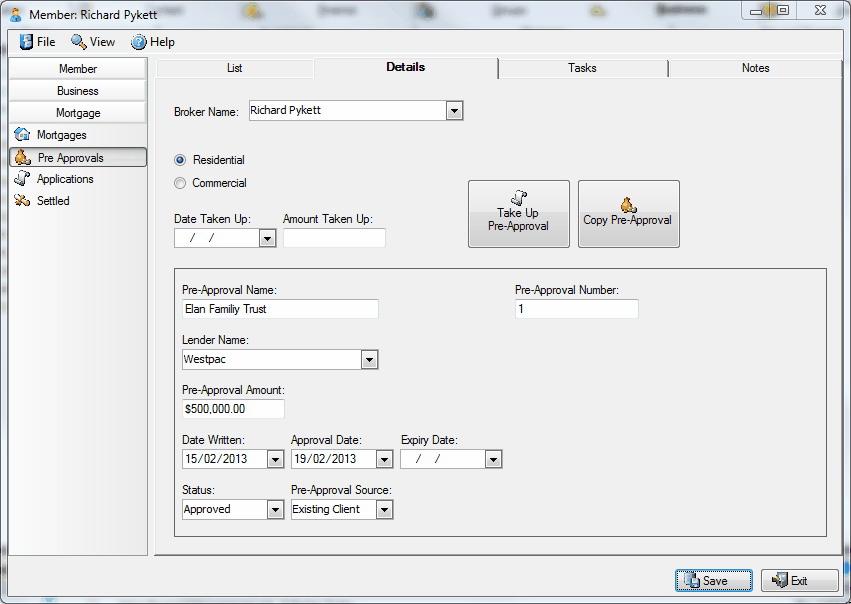
| 4. | Fill out as much of the form as you can. |

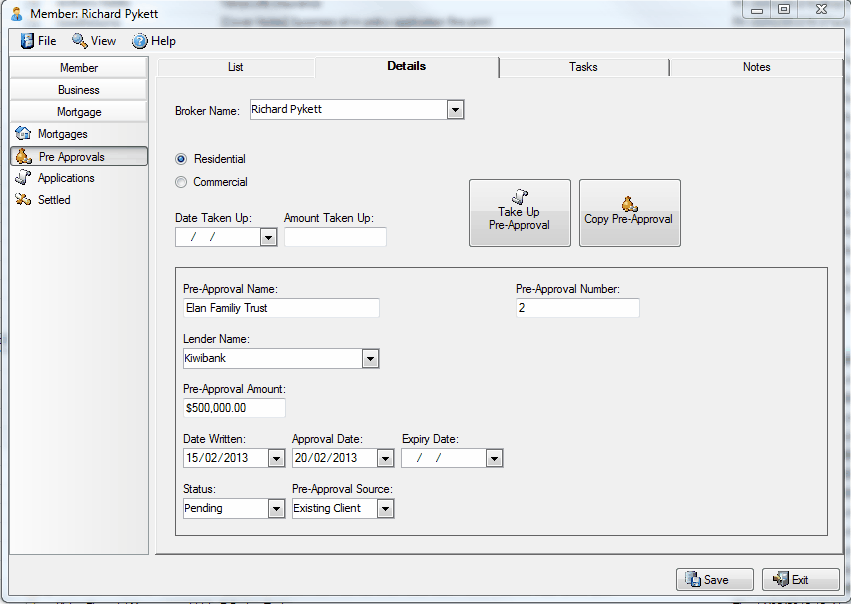
| 5. | If the client has more than one Pre-Approval, you can use the Copy Pre-Approval button to create the next one. |
| 6. | Add the new details as appropriate - here we have chosen Kiwibank. |
| 7. | Don't forget to add an expiry date if you want to keep track of this. |

|
Take up a Pre-Approval
| 1. | Once a client with a Pre-Approval finds a property, they may want to take up the Pre-Approval or part of the Pre-Approval. |
| 2. | Here you would complete the details on 'Date Taken Up' and 'Amount Taken Up', then press the 'Take up Pre-Approval' button to create the Application. |

| 3. | Click on Applications to see the result. |
|
See Also: Applications, Settled